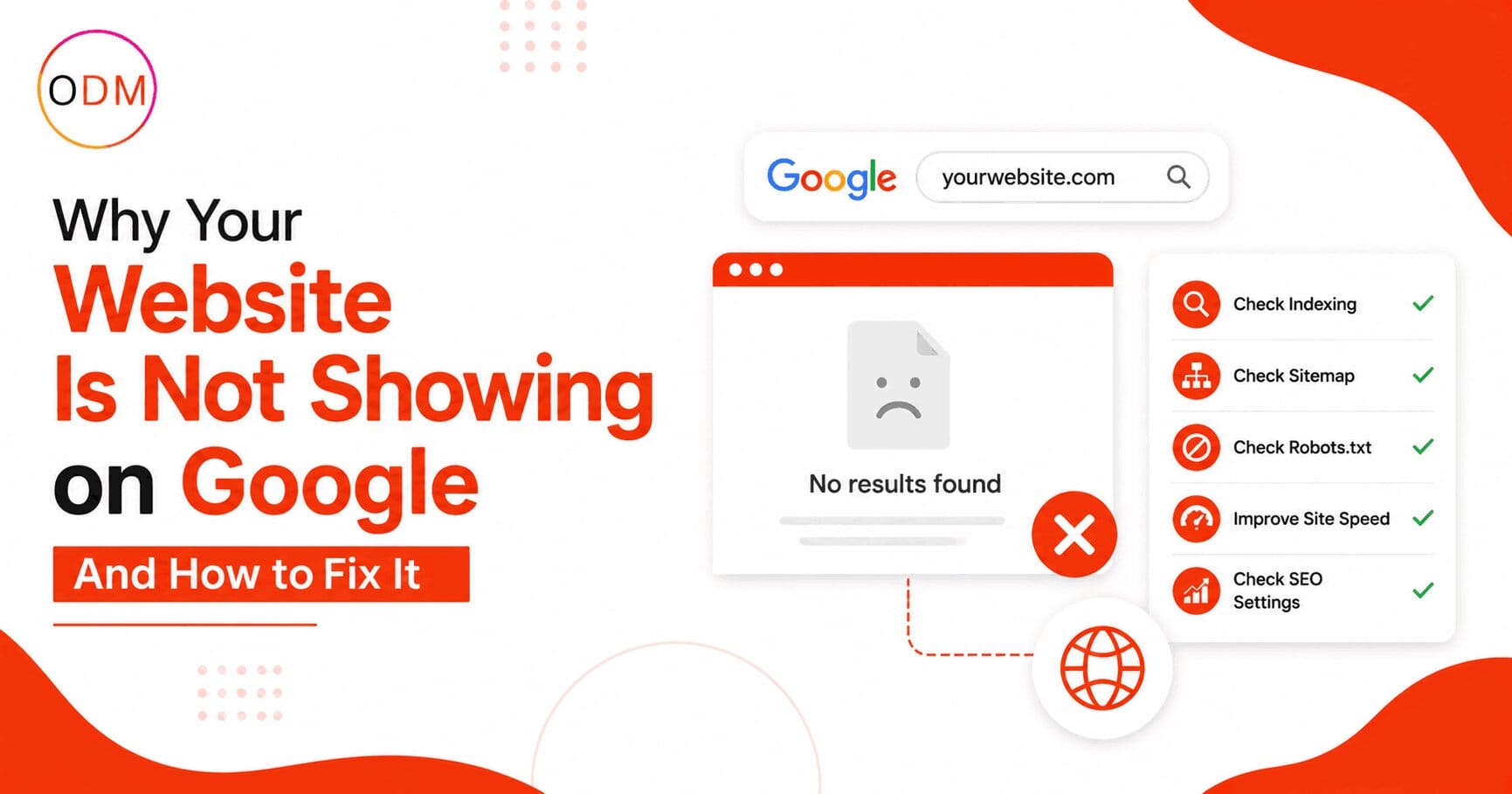
You spent time building your website, published it, and then searched for it on Google. Nothing came up. No trace of your business, your services, or even your homepage. If this is where you are right now, you are dealing with one of the most common website not showing on Google reasons that affects thousands of businesses across India and globally. The problem is rarely random. There is always a technical or strategic cause, and more importantly, there is always a fix. This post walks you through every major reason and gives you a clear path forward.
What Does “Website Not Showing on Google” Actually Mean?
Before jumping to solutions, it helps to understand what the problem actually is.
When your website does not appear on Google, it usually falls into one of two categories. Either Google has not indexed your site at all, meaning it does not exist in Google’s database, or your site is indexed but not ranking well enough to appear on the first few pages of results.
To check quickly, open Google and type site:yourdomain.com in the search bar. If no results appear, your site is not indexed. If results do appear but traffic is still low, the issue is ranking rather than indexing.
These are two very different problems, and they each require a different approach.
The Top Website Not Showing on Google Reasons You Need to Know
1. Your Website Has Not Been Indexed Yet
This is the single most common of all website not showing on Google reasons. Google needs to crawl and index your pages before they can appear in search results. New websites, in particular, can take anywhere from a few days to several weeks to get picked up.
Google uses automated bots called crawlers to discover content across the internet. If no other website links to yours, and you have not submitted your sitemap to Google, those crawlers may never find you.
The fix is straightforward. Set up Google Search Console, verify your website, and submit an XML sitemap. Once submitted, use the URL Inspection Tool to request indexing for your most important pages.
2. A “Noindex” Tag Is Blocking Google
A single line of HTML code can make your entire website invisible to search engines. The noindex meta tag tells Google not to index a page. This tag is sometimes added by developers during the build phase and accidentally left in after launch.
In WordPress, go to Settings, then Reading, and look for the option that says “Discourage search engines from indexing this site.” If that box is ticked, Google cannot index your site, regardless of any other work you do.
Check your individual page settings too. In Google Search Console, navigate to the Indexing report, click on Pages, and look for entries marked “Excluded by noindex tag.”
3. Your Robots.txt File Is Blocking Crawlers
The robots.txt file at your domain root tells Google which pages it can and cannot access. A misconfigured robots.txt is one of the less obvious website not showing on Google reasons, but it is surprisingly common.
If your file contains Disallow: / under the Googlebot section, Google is blocked from crawling everything on your site. This single line can effectively wipe your website from search results.
You can check your robots.txt file by visiting yourdomain.com/robots.txt in any browser. Make sure critical pages are not disallowed.
4. Your Website Has Thin or Low-Quality Content
Google prioritises content that genuinely answers user questions. A homepage with two sentences, service pages with no detail, or blog posts that say nothing new are all treated as low-quality by Google’s algorithms.
In 2025 and into 2026, with Google’s AI Overviews pulling from well-structured, authoritative sources, thin content does not just fail to rank; it gets skipped entirely.
Ask yourself honestly: do your pages answer the specific questions your customers are searching for? If the answer is no, that is one of the most overlooked website not showing on Google reasons you may be dealing with.
5. No Backlinks and Low Domain Authority
Google uses backlinks as signals of trust and authority. A brand-new website with no external links pointing to it will be seen as low-priority by Google’s crawlers, meaning it gets crawled less frequently and ranks lower.
Building backlinks from relevant, credible websites is a gradual process, but it is a necessary part of how to get website indexed on google and maintain visibility over time.
6. Google Has Applied a Manual or Algorithmic Penalty
If your site previously ranked and has now disappeared, a Google penalty may be the cause. Manual penalties are issued by Google reviewers when a site violates Webmaster Guidelines. Algorithmic demotions happen automatically when Google’s systems detect poor quality signals.
Check your Google Search Console account. Go to Security and Manual Actions, then select the Manual Actions Report. If a penalty is listed, it will explain which pages are affected and why.
How to Get Website Indexed on Google: A Step-by-Step Process
Understanding how to get website indexed on google correctly can save you weeks of frustration. Follow these steps in order:
- Set up Google Search Console and verify ownership of your domain.
- Generate an XML sitemap using a tool like Yoast SEO (for WordPress) or Screaming Frog.
- Submit your sitemap through the Sitemaps section in Google Search Console.
- Use the URL Inspection Tool to paste your homepage URL and click “Request Indexing.”
- Fix any coverage errors shown under the Indexing report, such as “Crawled but not indexed” or “Redirect error.”
- Build at least a few backlinks from relevant directories, partner sites, or local business listings.
- Check your robots.txt file to confirm no important pages are blocked.
- Remove or correct any noindex tags from pages you want Google to find.
- Ensure your website loads over HTTPS and has a valid SSL certificate installed.
- Review page speed using Google PageSpeed Insights and resolve critical issues.
Learning how to get website indexed on google is one thing. Sustaining that visibility over time requires ongoing technical hygiene and content quality, which is where many businesses quietly lose ground.
What Happens When You Ignore These Issues: A Real-World Scenario
Consider a mid-sized retail business in Delhi that launched a new e-commerce website. The site looked good and had well-written product descriptions. After three months, organic traffic was near zero.
An audit revealed three things. First, the developer had left the noindex setting enabled from the testing phase. Second, the robots.txt file was blocking several category pages. Third, the XML sitemap had never been submitted to Google Search Console.
None of these issues were visible on the website itself. Everything looked fine to a human visitor. But to Google, the site essentially did not exist.
Once the errors were corrected and an SEO indexing fix service was applied, along with proper sitemap submission and indexing requests, the site began appearing in Google results within ten days. Organic clicks started within the first month.
This is exactly the kind of situation where working with a qualified SEO agency India team can make the difference between months of wasted time and a fast, structured resolution.
Are You Making Any of These Technical SEO Mistakes Right Now?
Take a moment to evaluate your own site against this checklist:
- Have you confirmed your site is indexed using site:yourdomain.com?
- Is Google Search Console set up and verified for your domain?
- Have you submitted an XML sitemap?
- Does your site load on HTTPS with a valid SSL certificate?
- Are there any manual actions listed in your Search Console account?
- Does your robots.txt file accidentally block key pages?
- Are your most important pages free of noindex meta tags?
If you answered “no” or “I’m not sure” to two or more of these questions, your site is likely suffering from the same website not showing on Google reasons that affect most unoptimised websites.
Getting an independent audit from a professional SEO indexing fix service can help identify exactly which issues are present without guesswork. The team at Online Dot Marketing provides detailed technical SEO audits specifically for businesses that need clarity on why their website is not performing.
Your Website Deserves to Be Found: Here Is What to Do Next
If your website is not appearing on Google, you are losing potential customers every single day to competitors whose sites are properly optimised and indexed.
The website not showing on Google reasons covered in this post are all fixable. But identifying the exact combination of issues on your specific site requires experience, the right tools, and a structured process.
Online Dot Marketing is a results-focused SEO agency India businesses trust for technical SEO work that actually moves the needle. From resolving deep crawl issues to delivering a complete SEO indexing fix service, the team handles the technical complexity so you can focus on running your business.
If you are ready to stop guessing and start getting results, contact Online Dot Marketing today and get a clear picture of exactly why your website is not showing on Google and what it will take to fix it permanently.
Frequently Asked Questions
Why is my website not showing on Google even after a month?
The most common causes are a missing or incorrect XML sitemap, noindex tags blocking pages, or no backlinks pointing to your site. Run a site:yourdomain.com search and check Google Search Console for errors. These steps will usually reveal the exact cause within minutes.
How long does it take for a new website to show on Google?
Most new websites appear in Google search results between four days and four weeks after correct setup. The timeline depends on your site’s authority, backlink profile, and how quickly Google’s bots discover your sitemap. Submitting through Google Search Console speeds the process significantly.
What is the fastest way to get a website indexed on Google?
The fastest way to get website indexed on google is to verify your site in Google Search Console, submit an XML sitemap, and use the URL Inspection Tool to manually request indexing for your priority pages. Building even a few external backlinks can accelerate the process considerably.
What is an SEO indexing fix service and do I need one?
An SEO indexing fix service is a professional service that identifies and resolves the technical reasons your website is not being crawled or indexed properly by Google. You need one when your site has multiple unresolved errors, unexplained traffic drops, or has been affected by a Google penalty.
Can a noindex tag affect my entire website?
Yes. If a noindex tag is placed on your homepage or if the “Discourage search engines” setting is turned on in WordPress site-wide, Google will not index any page. A single tag in the wrong place can remove your entire website from search results overnight without any visible warning.
What does an SEO agency India do to fix indexing problems?
A qualified SEO agency India will run a full technical audit of your site, identify crawl errors and indexing blocks, fix robots.txt and sitemap issues, remove incorrect noindex tags, and build a structured plan to improve your Google visibility. Most issues are resolved within the first two to four weeks.